Download
INSEL is now freeware: it can be downloaded, copied and used at no cost.
Windows
Install Insel V8.3.4.1b x64.exe.
Debian / Ubuntu / Linux Mint
Deb packages have been compiled on Ubuntu 20.04, and should run on Debian 11 or newer, Ubuntu 20.04 or newer, and Linux Mint 20.3 or newer.
- Desktop version, with graphical interface: insel_8.3.4.1b_x64_full.deb.
- Server version, without graphical interface: insel_8.3.4.1b_x64.deb.
- Minimal version, without graphical interface, documentation or examples: insel_8.3.4.1b_x64_mini.deb.
Docker
Web-INSEL is a docker image with INSEL GUI in a browser.
docker run -p 127.0.0.1:4711:5800 inseleu/web-insel:latest
should start a Docker container with INSEL. The GUI is available at http://localhost:4711 :
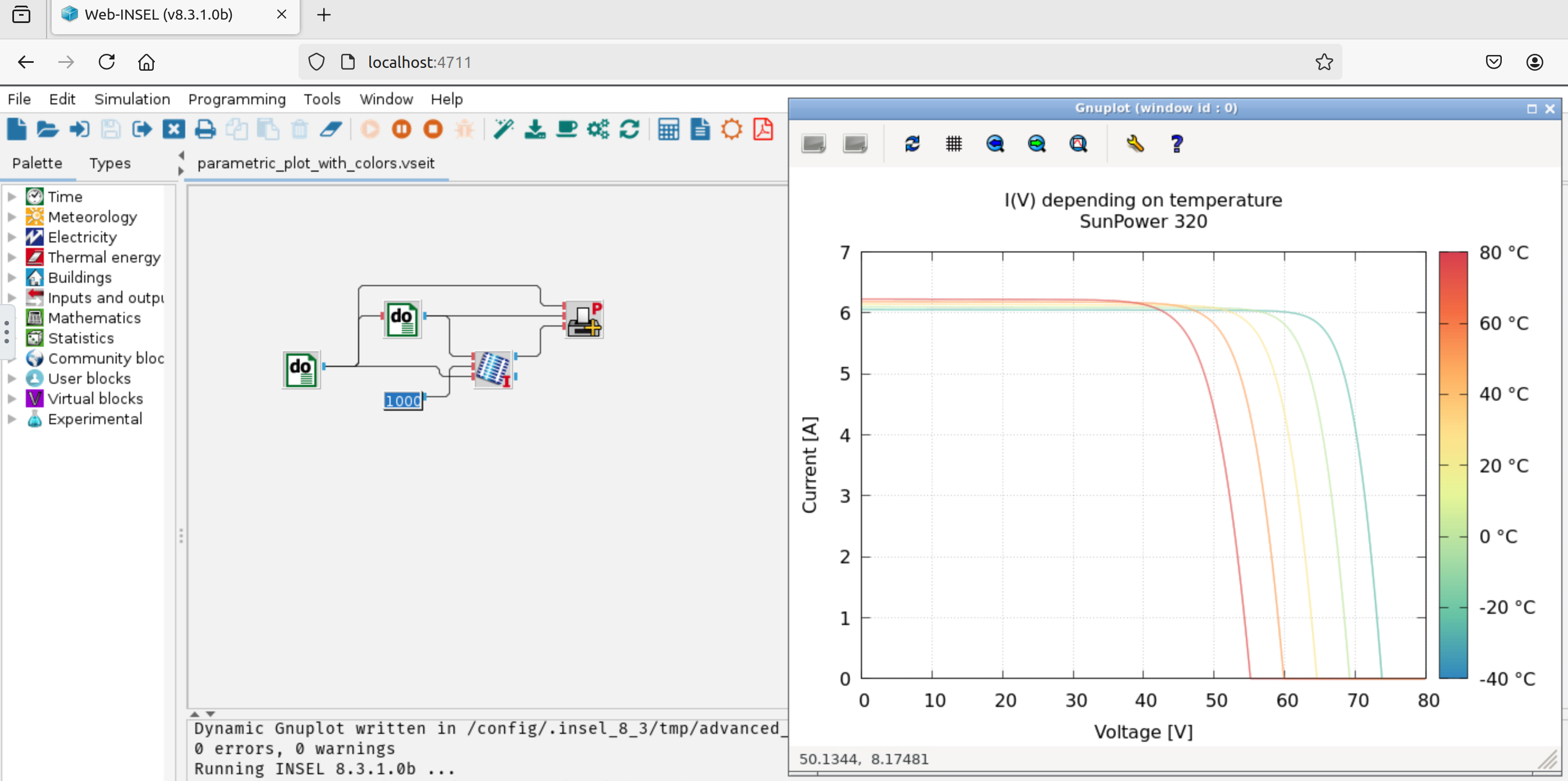
It could be convenient in order to quickly test INSEL or make it available on a server, e.g. for lessons. It could also help if INSEL isn't available for the platform, e.g. on Apple Silicon.
Here's an example docker-compose.yml, with a volume in order to keep models between restarts:
services:
  web_insel:
    image: "inseleu/web-insel"
    restart: unless-stopped
    container_name: web-insel
    environment:
      KEEP_APP_RUNNING: 1
      USER_ID: 1234
      GROUP_ID: 1234
      # DISPLAY_WIDTH: 1600
      # DISPLAY_HEIGHT: 1200
    ports:
      - 127.0.0.1:4711:5800
    volumes:
      - data:/config

volumes:
  data:
macOS
Apple Silicon (arm64)
Experimental
INSEL has only recently been compiled for Apple Silicon, as an experiment. Bugs are expected, and the system might complain about the unsigned packages.
- Desktop version, with graphical interface: insel_8.3.4.1b_arm64_full.pkg, with "Right-click > Open".
- Server version, without graphical interface: insel_8.3.4.1b_arm64.pkg.
If you want to create diagrams, gnuplot will be needed separately. The easiest way to install gnuplot on Apple Silicon is via Homebrew:
- Install Homebrew :
/bin/bash -c "$(curl -fsSL https://raw.githubusercontent.com/Homebrew/install/HEAD/install.sh)" - Install gnuplot :
brew install gnuplot
Intel Mac (x64)
Unsupported
Intel Macs aren't produced anymore. The following pkg and dmg will not be updated. Still, they might be useful to someone.
- Install Homebrew :
/bin/bash -c "$(curl -fsSL https://raw.githubusercontent.com/Homebrew/install/HEAD/install.sh)" - Install gcc :
brew install gcc - Install INSEL core : insel_8.3.0.5b_x64.pkg, with "Right-click > Open".
- The graphical interface of INSEL is not required for SimStadt. It can be installed with : INSEL-8.3.dmg.
- The GUI can be marked as being safe with :
sudo xattr -rds com.apple.quarantine /Applications/INSEL.app